
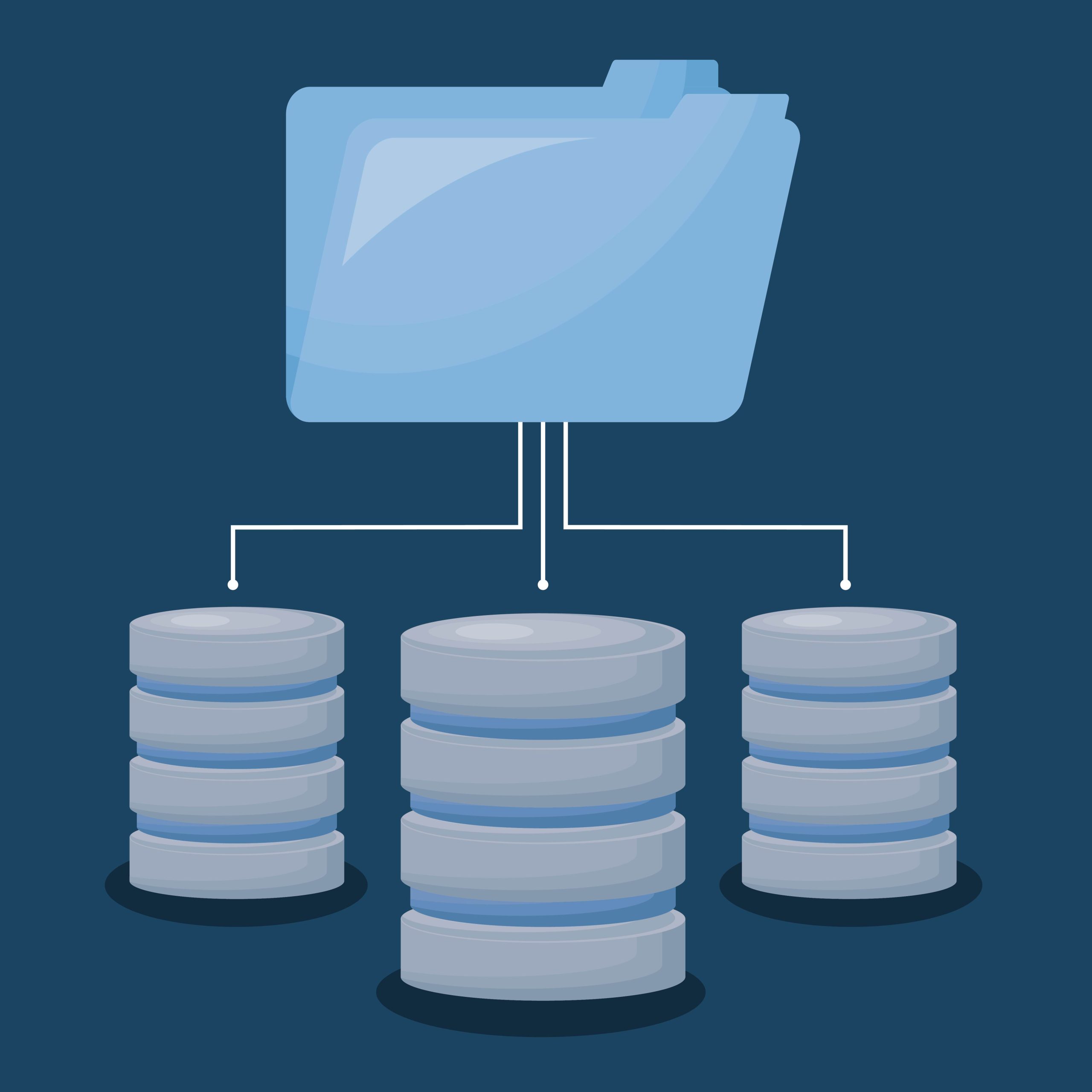
How Modern Businesses Centralize Data, Improve Decisions, and Boost Productivity
Why Your CRM Must Be the Single Source of Truth
In many small and midsize businesses, customer and operational data live in a patchwork of spreadsheets, inboxes, shared drives—even handwritten notes. This fragmentation leads to bad reporting, inconsistent customer experiences, and costly rework.
A modern CRM system isn’t just a sales tool. It becomes the company database—a shared operating system that organizes data, standardizes processes, and gives every team access to the same real-time information.
When CRM becomes the core database of the business, every department works from one truth instead of dozens of versions.
What It Means to Use CRM as the Company Database
When CRM holds the company’s key data, it becomes the central reference point for:
- Accounts and contacts – Clean, deduplicated profiles shared across sales, service, and operations
- Interactions and communication history – Emails, calls, cases, and notes in one place
- Opportunities and pipeline data – Accurate revenue forecasting
- Products, pricing, and contracts – Standardized data with controlled updates
- Support cases and service history – A complete view of the customer lifecycle
- Custom business records – Properties, units, equipment, internal projects, vendors, assets, etc.
CRM becomes the digital memory of the organization.
The Problem With Spreadsheets, Shared Drives, and “Shadow Databases”
Many companies unknowingly run multiple informal databases:
- Spreadsheets stored on individual laptops
- Google Drive and OneDrive lists
- PDF contracts saved without naming standards
- Outlook folders acting as personal CRMs
- Sticky notes, text messages, handwritten logs
These “shadow databases” cause:
- Duplicate and inconsistent data
- Employee-specific knowledge silos
- Reporting that no one fully trusts
- Lost leads and missed follow-ups
- Confusion around who owns what
Moving this data into CRM replaces chaos with clarity.
Centralizing Data in CRM Benefits the Entire Business
1. Better Decision-Making
Leadership gets accurate dashboards and reports—updated in real time.
No more “Which spreadsheet is the right one?” confusion.
2. Stronger Customer Experiences
Sales, service, and finance all see the same complete customer record.
Issues get resolved faster because context is available immediately.
3. Process Automation
With standardized fields and structure, CRM can automate:
- Notifications
- Approval processes
- Customer messaging
- Renewals
- Handoffs
- Billing steps
Automation is only possible when the CRM is the primary database.
4. Reducing Operational Costs
A unified database cuts down on:
- Rework
- Manual data entry
- IT checklist maintenance
- Duplicate tools
- Data cleanup projects
5. Scalability
As the business grows, CRM grows with it.
Adding new teams, new processes, or new reporting doesn’t break the system because everything is already connected.
What Data SHOULD Live in CRM?
A CRM functioning as a company database typically holds:
Core CRM Data
- Accounts
- Contacts
- Leads
- Opportunities
- Activities
Operations Data
- Projects
- Assets
- Vendors
- Units or properties
- Contracts
- Orders and line items
- Support cases
Custom Objects / Custom Data
Anything unique to your business model:
- Field service schedules
- Equipment logs
- Compliance records
- Memberships
- Locations
- Service plans
- Employee records (non-HR)
If it supports sales, service, operations, or reporting, CRM should likely own it.
How to Transition CRM Into the Company Database
1. Define your system of record
Decide what CRM owns and what it references.
2. Inventory existing data
Identify all the spreadsheets, inboxes, and external tools holding important data.
3. Standardize fields and naming
Clean data goes in. Messy data stays out.
4. Set up validation rules and automation
Once the structure exists, guardrails ensure it stays clean.
5. Train every department
CRM works best when everyone participates.
The Bottom Line
A CRM becomes truly valuable when it serves as the central database of the company—a single, organized, reliable source of truth for every team. Businesses that treat CRM this way get stronger reporting, smoother processes, and a unified view of customers and operations.
Companies that don’t… keep fighting the spreadsheet battle forever.
Leave a Reply